
New tab wallpaper: 4K photos, GIFs and live video
New tab wallpaper is the part of the page you can’t avoid looking at, and New Tab Studio works as a full Chrome wallpaper extension for it. Eight sources, from 4K wallhaven photos to GIFs and looping video. It also decides whether your widgets stay readable, so it earns five minutes of thought.
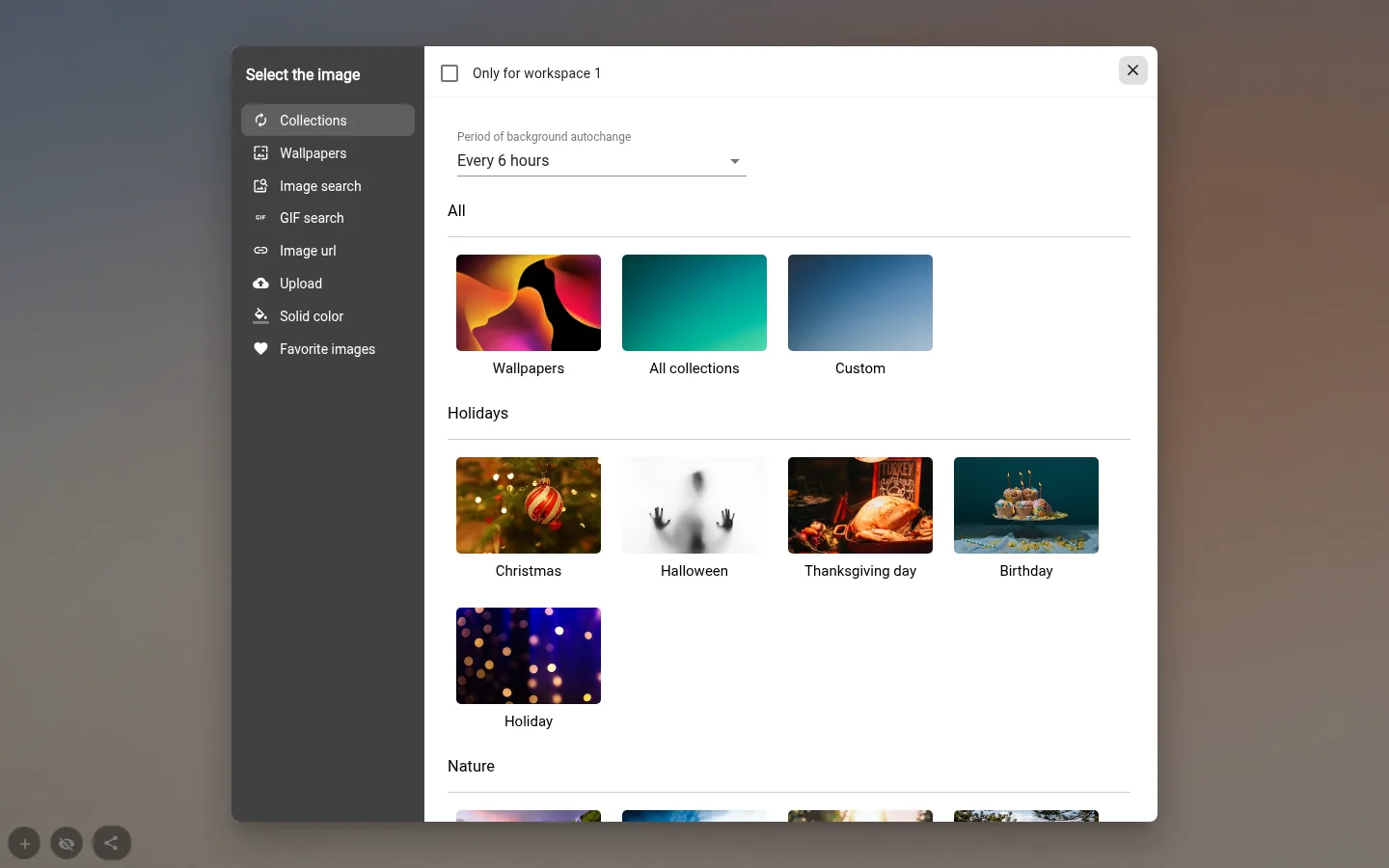
Eight tabs, eight kinds of background
Collections (a new photo from a theme you pick, changed automatically), Wallpapers, Image search on Unsplash, GIF search on GIPHY, Image URL, Upload, Solid color and Favorite images.
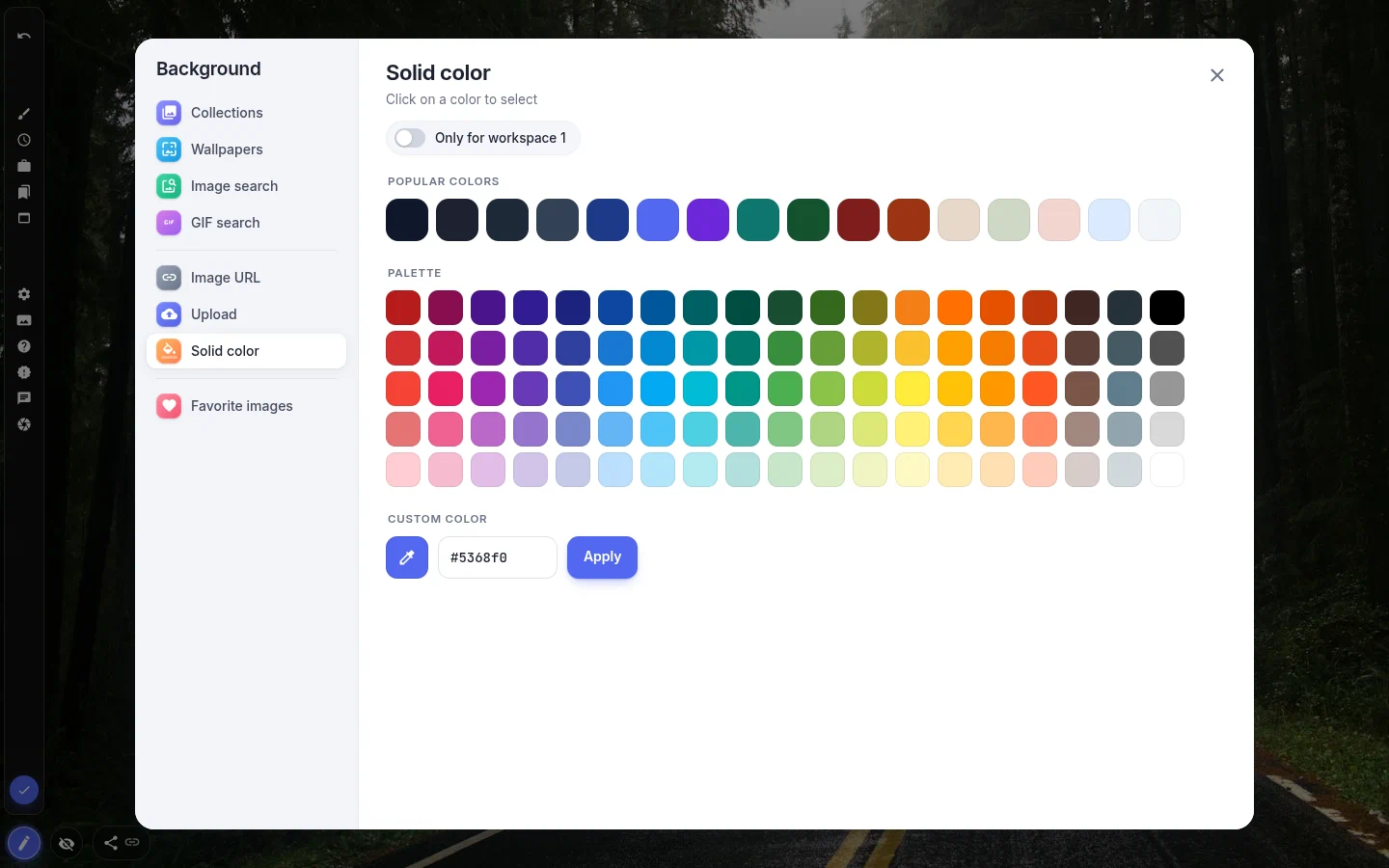
Solid color got a real palette in 4.0. There are 16 popular colours, a Material palette and a custom colour with an eyedropper and a HEX field. Plain colours only, no gradients.
Holiday sets are in Collections under Holidays (Christmas, Halloween, Thanksgiving day, Birthday, Holiday). They download like every other collection, so a holiday page takes two minutes, not an image hunt.
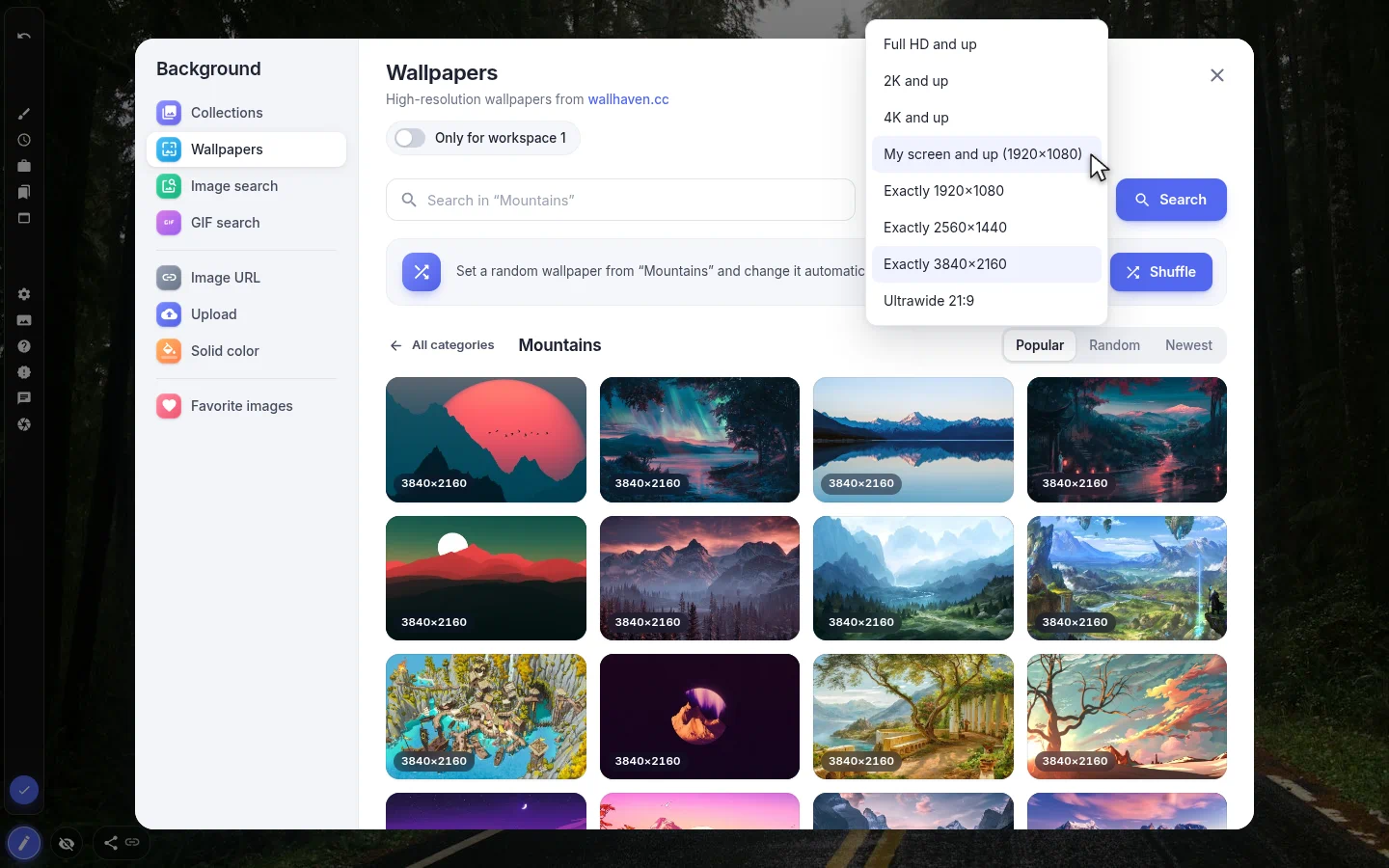
Wallpapers from wallhaven, up to 4K
The Wallpapers tab is new in 4.0. Twenty categories, from Nature, Mountains and Space to Minimal, Anime and Japan, sorted by Popular, Random or Newest, with a search inside each category.
A resolution filter keeps soft images out. Full HD, 2K or 4K and up, exact sizes, Ultrawide 21:9, or My screen and up, which counts your monitor’s physical pixels with scaling included. Everything is landscape, safe for work and at least 1920×1080.
Shuffle sets a random wallpaper from the category and turns on auto-change, and every next one comes from the same category. The tab asks for access to wallhaven.cc the first time you open it.
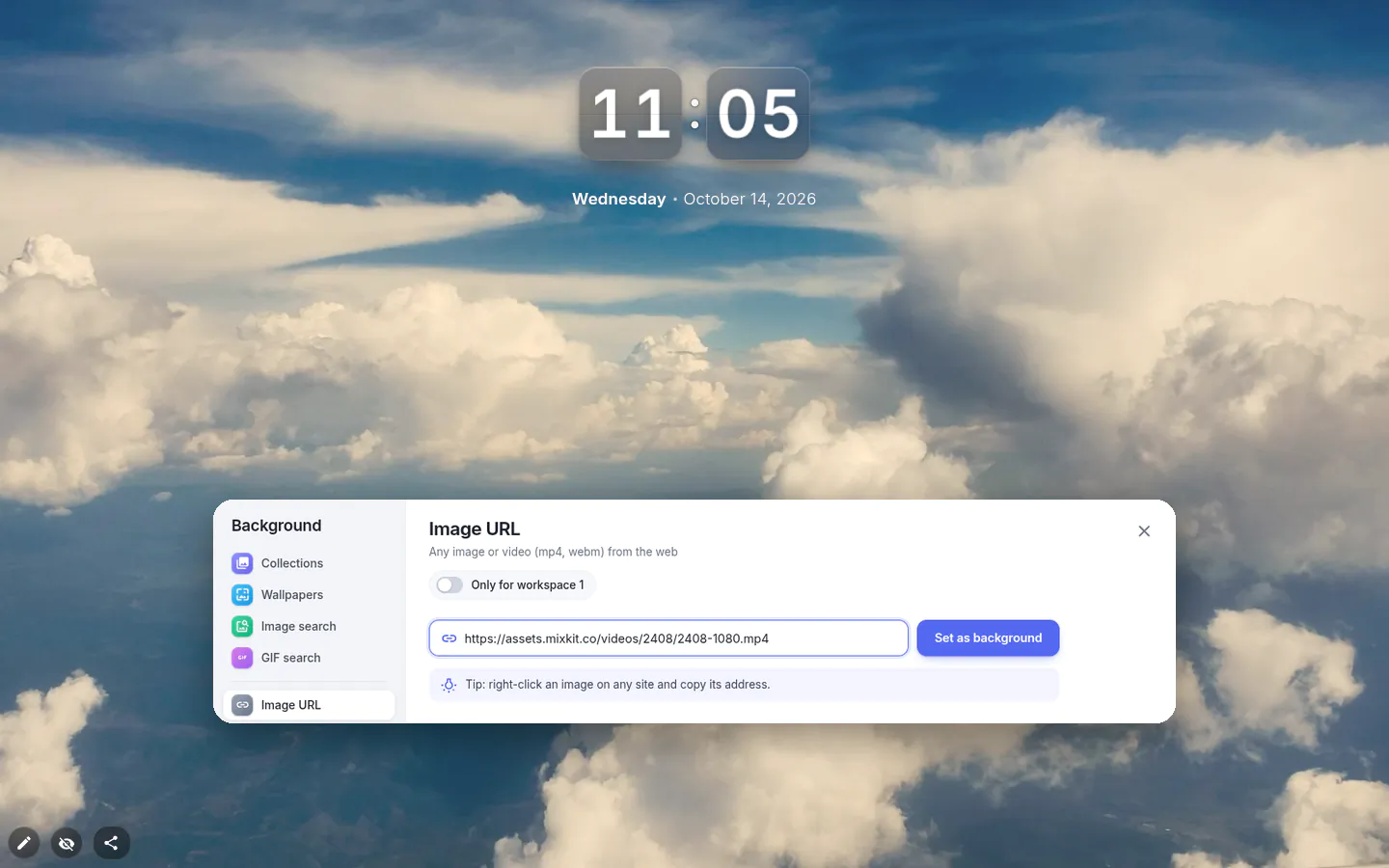
Live wallpaper and GIFs
Live wallpaper for Chrome, here, means a video link — paste an mp4 or webm address into Image URL and it plays behind the widgets, muted and looping; ogv, m4v and mov links work too, and the video is checked before it’s set.
Two limits. A video file cannot be uploaded (Upload takes images), and a video background never auto-changes.
Want a GIF for Chrome background instead? Search GIPHY in GIF search, paste any GIF link into Image URL, or upload one of your own.
Auto-change, pin, going back
Every 5 minutes, hour, 6 hours (the default), 24 hours or week, or Custom from one minute to 30 days. There is no "don’t change" entry in that list. To keep one picture, press the pin in the bottom panel.
Rotation carried off one you liked? Show previous image steps back through the last ten. Like a picture and it lands in Favorite images, where Share gallery gives you a link to your collection on new-tab.studio.
Sometimes you only want the photo. The button at the bottom left hides every widget and remembers it until you bring them back.
A background your widgets survive
Your text sits in the upper third and the centre — the image needs to be calm there. Dark photo, light text is the most forgiving pair. Readability gets fixed on the widgets, not on the photo. Text has a shadow, a stroke and a fill; for a whole group, slide a translucent shape widget behind it.
With several workspaces, they all share one background until you turn on "Only for workspace N" in this window. A background set that way stays fixed.
Wallpaper & Background settings
- Sources
- Collections, Wallpapers, Image search, GIF search, Image URL, Upload, Solid color, Favorite images.
- Auto-change period
- Every 5 minutes, hour, 6 hours, 24 hours, week, or Custom from 1 minute to 30 days.
- Resolution filter
- In Wallpapers. Full HD, 2K or 4K and up, exact sizes, Ultrawide 21:9 or My screen and up.
- Image URL
- Any picture, or an mp4, webm, ogv, m4v or mov video played muted on a loop.
- Only for workspace N
- Gives one workspace its own picture; Use the common background reverts it.
- Favorites and history
- Liked pictures, Share gallery, and the last ten backgrounds.
What people use it for
- Rotating 4K photos from one wallhaven category.
- A looping video behind a page you leave open on a second monitor.
- A single GIF as the whole mood of the page.
- A solid colour for maximum legibility on a work dashboard.
- Holiday pictures behind a countdown to the big day.
Put the wallpaper & background on your new tab
It comes with New Tab Studio. The extension is free to install and needs no account to start.
- 1Add New Tab Studio to Chrome
- 2Open a new tab, click the button at the bottom left
- 3Pick the widget, then drag it into place
Questions about the wallpaper & background widget
Can I put a GIF as my Chrome background?
Yes, though not through Chrome’s own Customize Chrome panel, which is made for still pictures; an animated GIF background takes a new tab extension. New Tab Studio’s background picker lets you search GIPHY in the GIF search tab, paste any GIF link into Image URL or upload a GIF of up to 10 MB. It then plays behind all your widgets.
Can I use a video as a live wallpaper in Chrome?
Yes, New Tab Studio plays a video as a live wallpaper behind your widgets, muted and looping, from a link pasted into the Image URL tab. It takes mp4 and webm, plus ogv, m4v and mov. A video file can’t be uploaded, and a video background stays put rather than auto-changing.
Where can I get 4K wallpapers for my new tab?
High-resolution wallpapers, 4K included, come from the Wallpapers tab of the background picker, which pulls images from wallhaven.cc in 20 categories, from Nature and Space to Anime and Japan. A resolution filter can hold out for 4K and up, or My screen and up, and Shuffle keeps changing the picture within one category. The tab asks for access to wallhaven.cc first.
How do I stop my new tab background from changing?
To stop the new tab background from changing, press the pin in the bottom panel of the page and the current picture stays. The auto-change list itself has no "don’t change" entry, only periods from every 5 minutes to every week, plus Custom. Show previous image steps back through the last ten if one you liked has gone.
Do I have to pay for 4K wallpapers or video backgrounds?
No, every background source is free, wallhaven wallpapers, GIFs and video links included. The wallpaper isn’t a widget either, so it never eats into the three widgets the free plan lets you add. Giving each workspace a background of its own costs nothing too.
Widgets that pair well with it
See the full widget catalogue or browse themes other people have built.