
Countdown timer for your Chrome new tab
This countdown timer sits on your Chrome new tab, so the exam, the launch or the flight stares back at you every time you open one. Pick a date or a holiday, pick a design, and get back to work. Or don’t, and watch the seconds go.
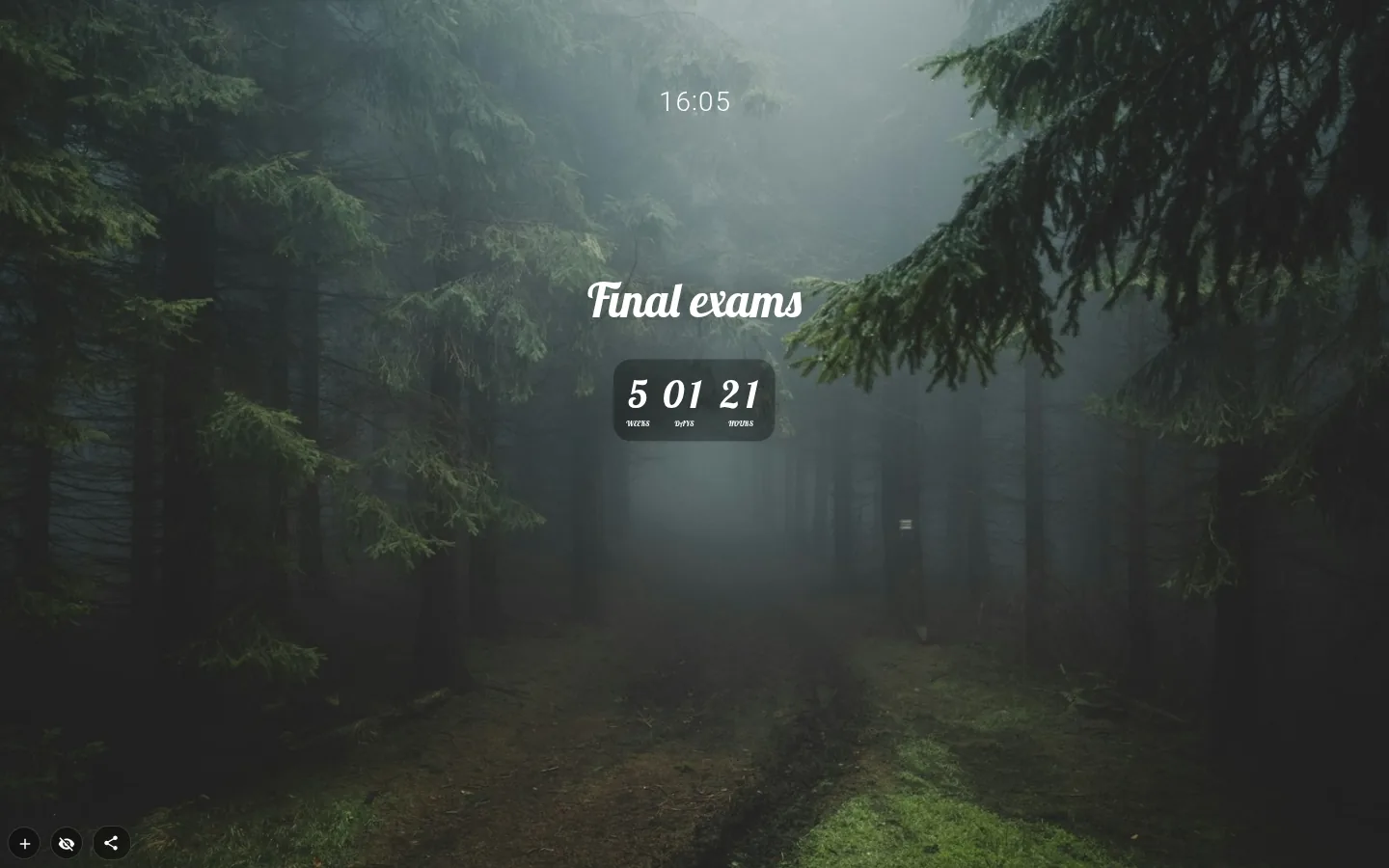
Six designs, and the one you start with
Add a countdown from the menu and it opens in Cards, one tile per unit, with digits that roll over as they change. On a plain light background the tiles come out light with dark text, so nothing disappears into the page.
The Design button holds the other five. Ring draws a ring for each unit, and the biggest one shows how much of the period is left. Minimal is a single line like “12 days 04 h 37 min” with a thin progress bar. Poster blows the main number up, writes “to go” under it and shrinks everything else into chips. Bold starts with a text shadow already on.
Classic is the look the widget had before 4.0. Countdowns you already had, and the ones inside gallery themes, stay in it until you pick something else.
Exam countdown or holiday countdown
For an exam countdown, a deadline or a trip, choose Custom date and set the day and time. The picker won’t offer dates that have already passed.
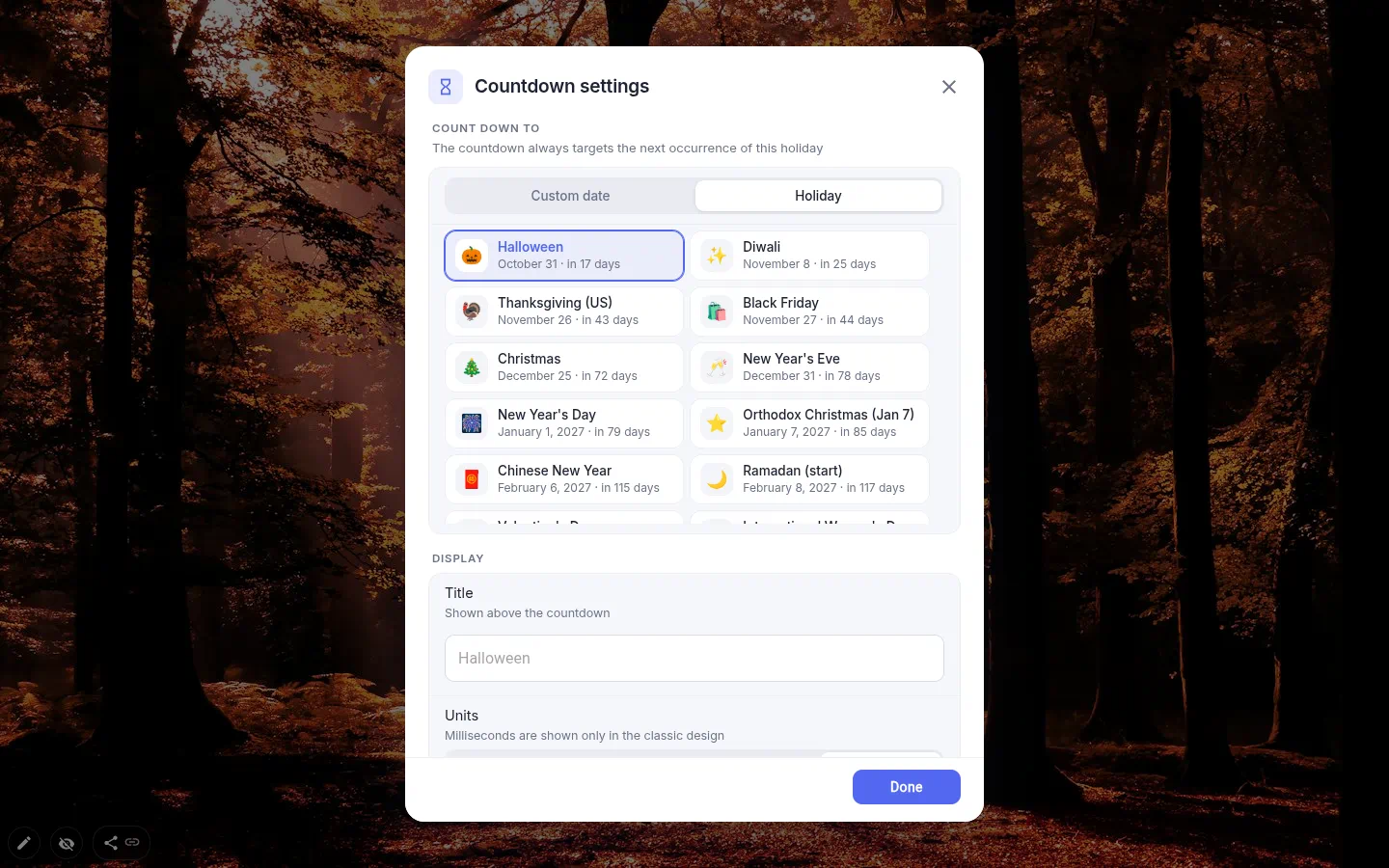
Or switch to Holiday. There are 23 of them, sorted by whichever comes next, each with its date and “in N days”: Easter and Orthodox Easter, Ramadan, Chinese New Year, Diwali, Halloween, Thanksgiving, Christmas, New Year’s Eve and more. The date is worked out for you every year, and the holiday’s name becomes the title unless you type one.
On the day itself it doesn’t leap straight to next year. Until midnight you get the holiday’s name and “Today!”, which is rather the point of counting to Christmas.
Repeats and weekdays
A one-off date runs out. Rent day and the monthly report don’t. Repeat every rolls the countdown on to the next round, and Monthly or Yearly costs nothing. Daily, Weekly and Every 2 weeks are the PRO ones.
Weekdays only, under Counting, throws out Saturdays and Sundays (just those two, public holidays still count) and treats a week as five working days. A deadline three weeks away suddenly has fifteen days in it. Grim, and usually the number you needed.
What’s on it, and what happens at zero
Units are switches. The new designs run from years down to seconds, and Classic adds milliseconds for the truly dramatic. A fresh countdown starts with weeks off, and the last unit standing cannot be switched off, so the widget never goes blank.
Title puts up to 40 characters above the numbers. Show target date adds a line like “Until Oct 26, 2:23 PM”. Accent color tints the rings, the bar and the poster’s gradient, and Layout turns the row into a column.
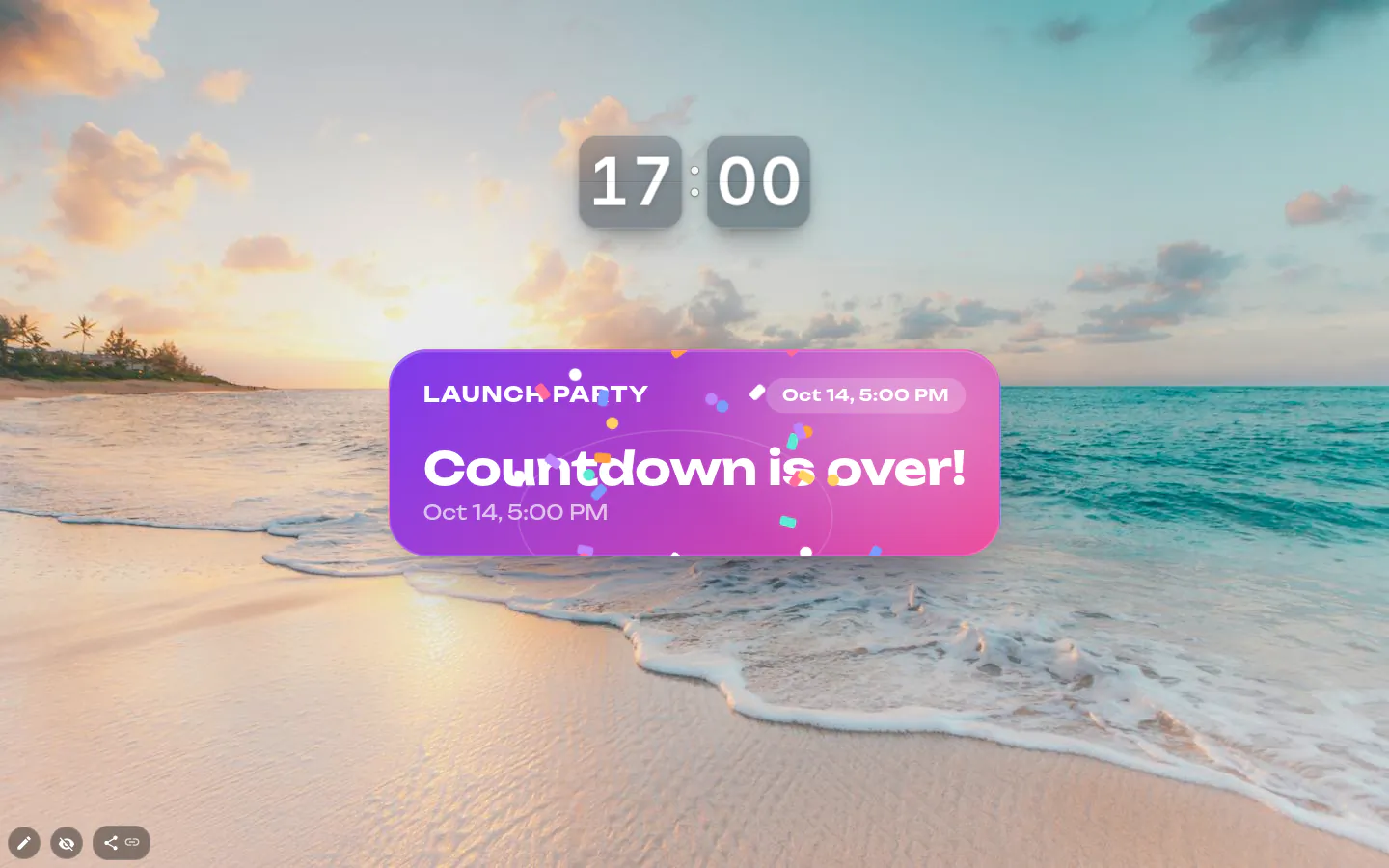
At zero the new designs read “Countdown is over!” and, if the tab happens to be open, throw confetti for a couple of seconds. There’s no sound and no notification — it’s a countdown on a page, not an alarm clock.
A countdown timer for the desktop, browser style
Anyone after a countdown timer for desktop, or a desktop background countdown timer, wants the number in view without opening anything. This is the browser version. The numbers sit on top of your new tab wallpaper, and you see them each time you open a tab rather than when you minimise every window.
It is not a kitchen timer, though. It counts to a date and time. For a short focus session the Pomodoro widget is the one you want.
Countdown settings
- Count down to
- Custom date for any future day and time, or Holiday for one of 23, always the next one.
- Repeat every
- Monthly and Yearly are free. Daily, Weekly and Every 2 weeks need PRO. Only this countdown has repeats.
- Units
- Years to seconds, or to milliseconds in Classic. Weeks start switched off.
- Weekdays only
- Skips Saturdays and Sundays. It does not know about public holidays.
- Design
- Classic, Cards, Bold, Ring, Minimal or Poster, from the toolbox or the top of the settings window.
- Title and target date
- New designs only. A label of up to 40 characters, and an “Until …” line above the digits.
- Accent color
- Eight colours plus Default, for the rings, the progress bar and the poster.
- Layout
- Horizontal or Vertical. There’s a toolbox button for it too.
- Size and type
- There’s no font-size box. Stretch the frame and the countdown grows with it. Any of the 22 fonts works; a text shadow exists only in Classic and Bold.
What people use it for
- Exam countdown to finals, the bar exam or a driving test.
- A launch date on a team page everyone installs as a theme.
- Christmas, Diwali or Ramadan, picked from the list once and left alone.
- Rent day or payday, repeating monthly on the free plan.
- A hand-in date counted in weekdays only.
- A trip, with the city as the title and a photo of it as the wallpaper.
Put the countdown on your new tab
It comes with New Tab Studio. The extension is free to install and needs no account to start.
- 1Add New Tab Studio to Chrome
- 2Open a new tab, click the button at the bottom left
- 3Pick the widget, then drag it into place
Questions about the countdown widget
Is there a free countdown widget for Chrome?
Yes, New Tab Studio’s countdown widget is free and shows a countdown to any date on every Chrome new tab. All six designs, 23 holidays and monthly or yearly repeats cost nothing. PRO adds daily, weekly and fortnightly repeats and lifts the cap of three widgets you place by hand, a cap that skips countdowns shipped inside a theme you installed.
How can I keep a countdown to my exam on my screen?
Put an exam countdown on your Chrome new tab page, so every tab you open shows how long you’ve got. Choose Custom date, set the day and hour of the exam and add a title such as Finals, up to 40 characters. Weekdays only drops Saturdays and Sundays if school days are the number you care about.
What are fun ways to count down to Christmas?
Fun ways to count down to Christmas include an Advent calendar, a paper chain that loses one link a night, a festive film every evening in December and a countdown on your browser’s new tab. For that last one, pick Christmas from the countdown’s 23 holidays and it moves on to next year by itself. On the day it says “Today!” until midnight.
Will the countdown beep or send a notification at zero?
No, the countdown widget makes no sound and sends no notification when it hits zero. The new designs swap the digits for “Countdown is over!” and throw confetti for a couple of seconds if you’re looking at the tab at that moment, unless your system is set to reduce motion. Need an alarm as well? Set one on your phone.
Does the countdown keep counting when Chrome is closed?
Yes, the countdown is right whenever you come back, because it works out the time left from the target date each time the tab is on screen. Close Chrome for a week, open a new tab, and the number is correct straight away. In a hidden tab it doesn’t tick at all and recalculates the moment you switch back.
Widgets that pair well with it
See the full widget catalogue or browse themes other people have built.