Unlimited widgets
Free stops at three. Put up every clock, countdown, list and note you want.
PRO lifts the three-widget limit, adds repeating countdowns, unlimited habit trackers and clock time zones. And now your page syncs between your laptop and desktop.
Monthly, yearly or lifetime · 30-day money-back guarantee
4.9 on the Chrome Web Store · 40,000 users
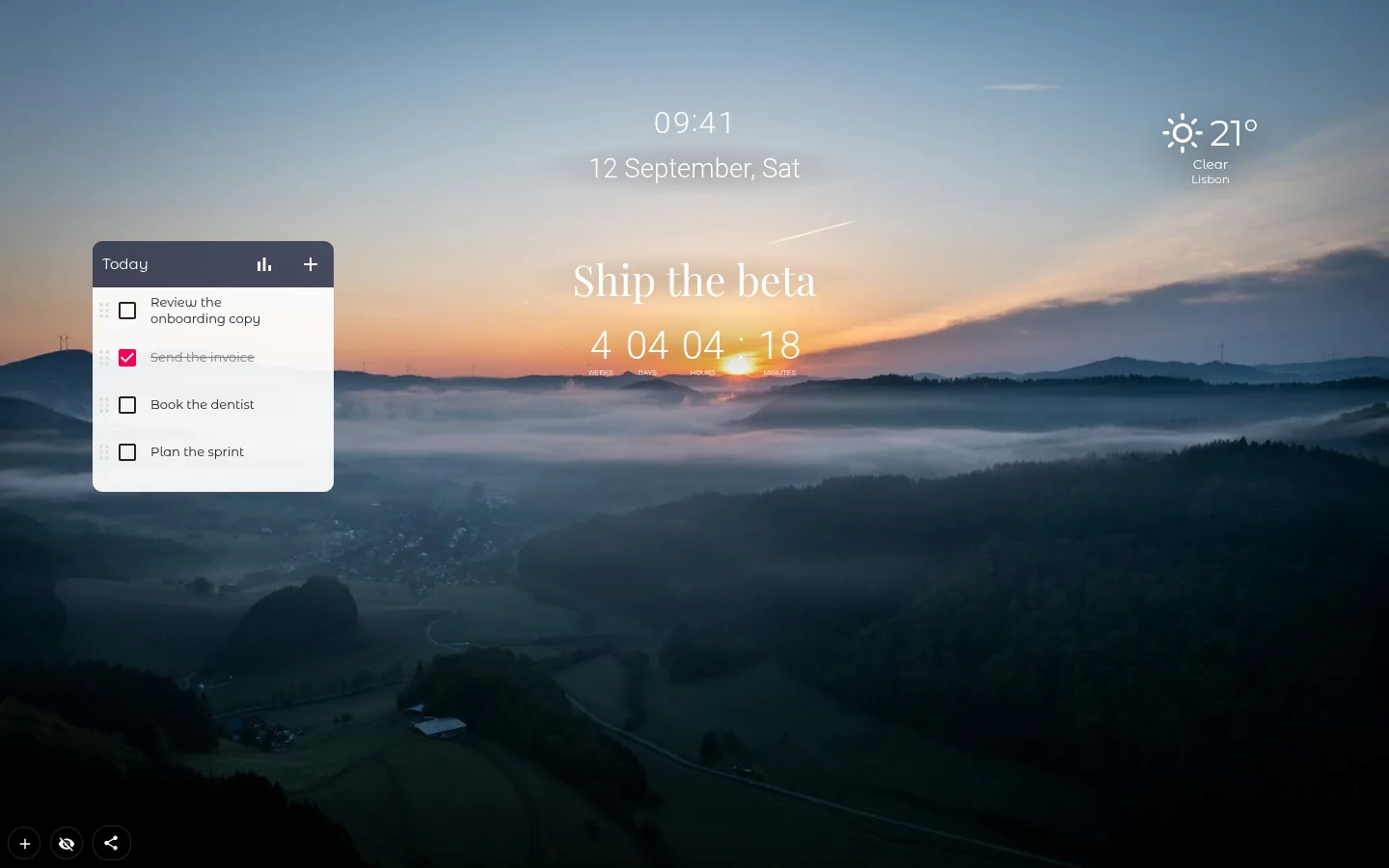
Every widget type is free. PRO is about how many you can have, plus a few extras.
Connect your laptop and your desktop, and the page follows you. Same widgets, same layout, wherever you open a new tab.
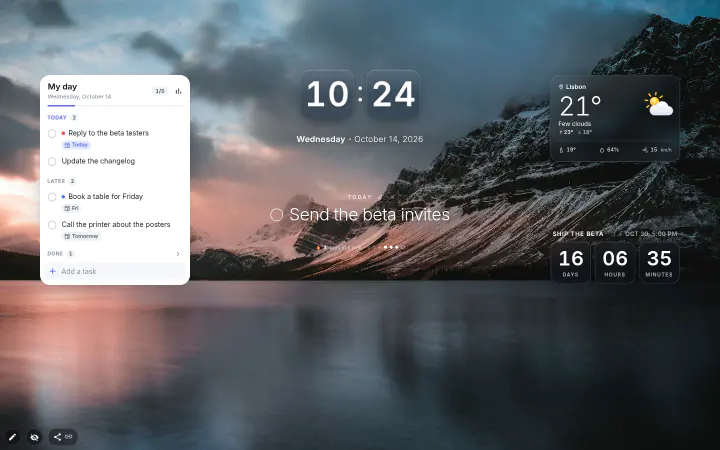
Free stops at three. Put up every clock, countdown, list and note you want.
Free tracks one habit. Reading, running and water can each get their own.
Free has three. Go up to five pages, each with its own widgets.
Daily, weekly or every two weeks. The countdown restarts by itself after it ends.
Set your own hours and watch what’s left of the working day.
Give each analog clock its own city and see other time zones at a glance.
| Feature | Free | PRO |
|---|---|---|
| Widgets on the pageTheme widgets count too. The bookmarks bar and workspaces don’t. | 3 | Unlimited |
| Every widget type and design | Included | Included |
| Habit trackers | 1 | Unlimited |
| Workspaces | 3 | Up to 5 |
| Countdown repeat | One-off | Daily, weekly, every 2 weeks |
| Workday countdown with your own hours | Not included | Included |
| Analog clock time zones | Not included | Included |
| Your own calendar events | Up to 15 | Unlimited |
| Sync between computersNew | Not included | Included |
| Premium support | Not included | Included |
Every install starts with 7 days of unlimited widgets. Had the extension before? Your 7 days start with the update.
Same PRO on every plan. Only the way you pay differs.
From reviews on the Chrome Web Store
“really good app!! i love the amount of widgets and customization options available, and everything has been running smoothly so far :)”
akaru“so many different features. love the ability to have different workspaces for different needs easily.”
Nipuni JM“Good features like week targets and habit tracker with counter is helpful.”
jarvisThe first three widgets on your page keep working, and the rest are locked. Nothing is deleted, and locked widgets come back as soon as you upgrade. The trial covers unlimited widgets only: extra habit trackers, countdown repeats, clock time zones and sync are PRO from day one.
Yes, with no time limit. Remove the widgets you don’t use, and once three are left, they all work again. Every widget on the page counts, including the ones that came with a theme. The bookmarks bar and workspaces don’t.
Sign in to the extension with the same Google account on your laptop and your desktop, and switch sync on. Your page then follows you between them. Sync needs a paid plan, so it isn’t part of the free trial.
Yes. Within 30 days of paying, request a refund through Paddle, our payment provider: open the link in your Paddle receipt email, or find your order on paddle.net. You’ll get a full refund, no reasons needed. If something goes wrong, write to us through the support page.
Open this page signed in with your account and press Cancel subscription. That’s it: no form, no email. You won’t be charged again.
Yes. You pay once, there’s no renewal, and PRO stays on your account.
PRO is tied to the Google account you sign in with at checkout. Sign in with the same account in the extension’s settings, under Account. If PRO doesn’t show up right away, press Refresh there.
30-day money-back guarantee · Cancel anytime