
News widget for your Chrome new tab
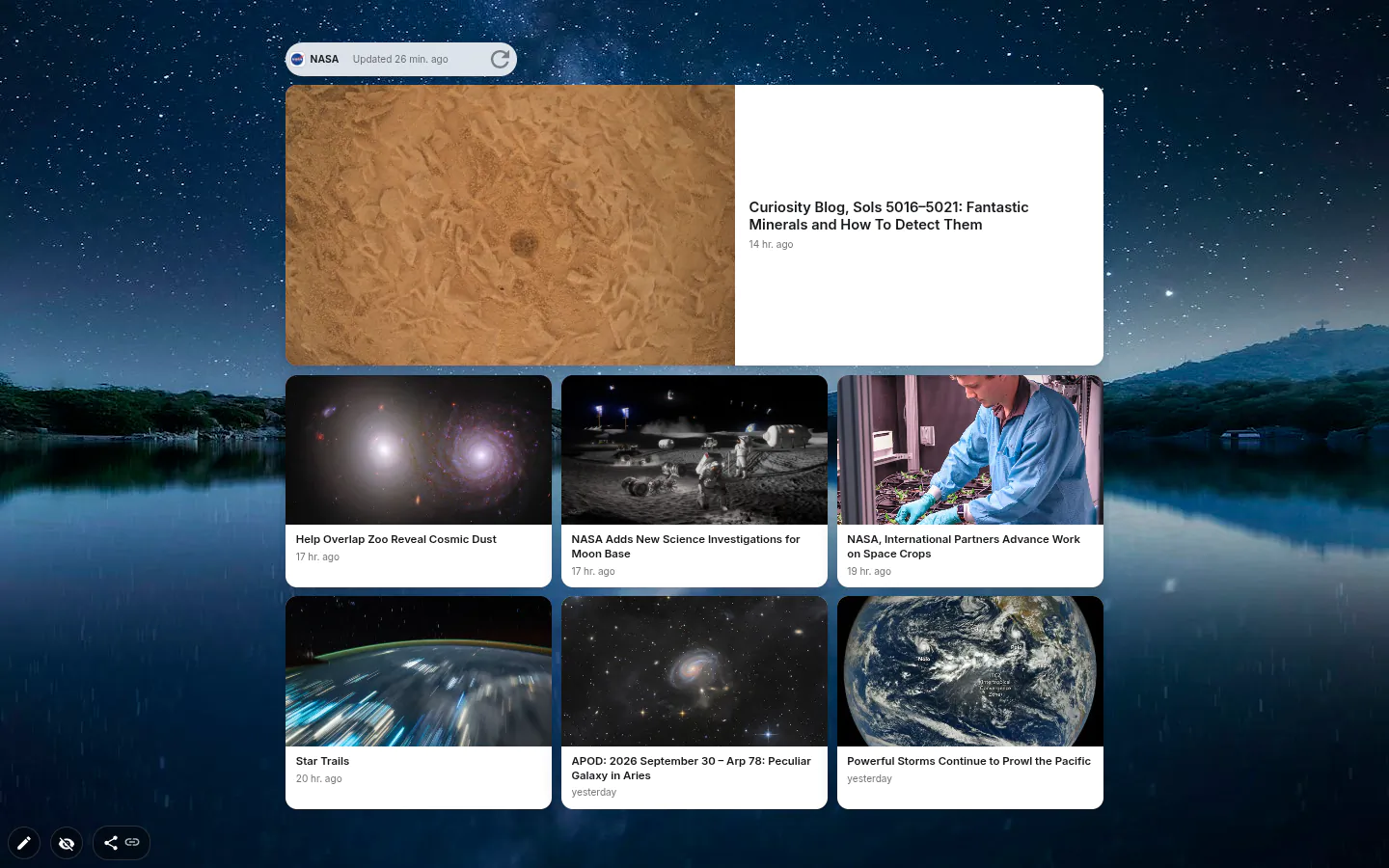
The news widget puts headlines from a source you choose on your Chrome new tab, so the day’s stories are there before you’ve typed a thing. There are 62 feeds in 10 languages, five layouts, and one click on a headline opens the article.
Picking a source
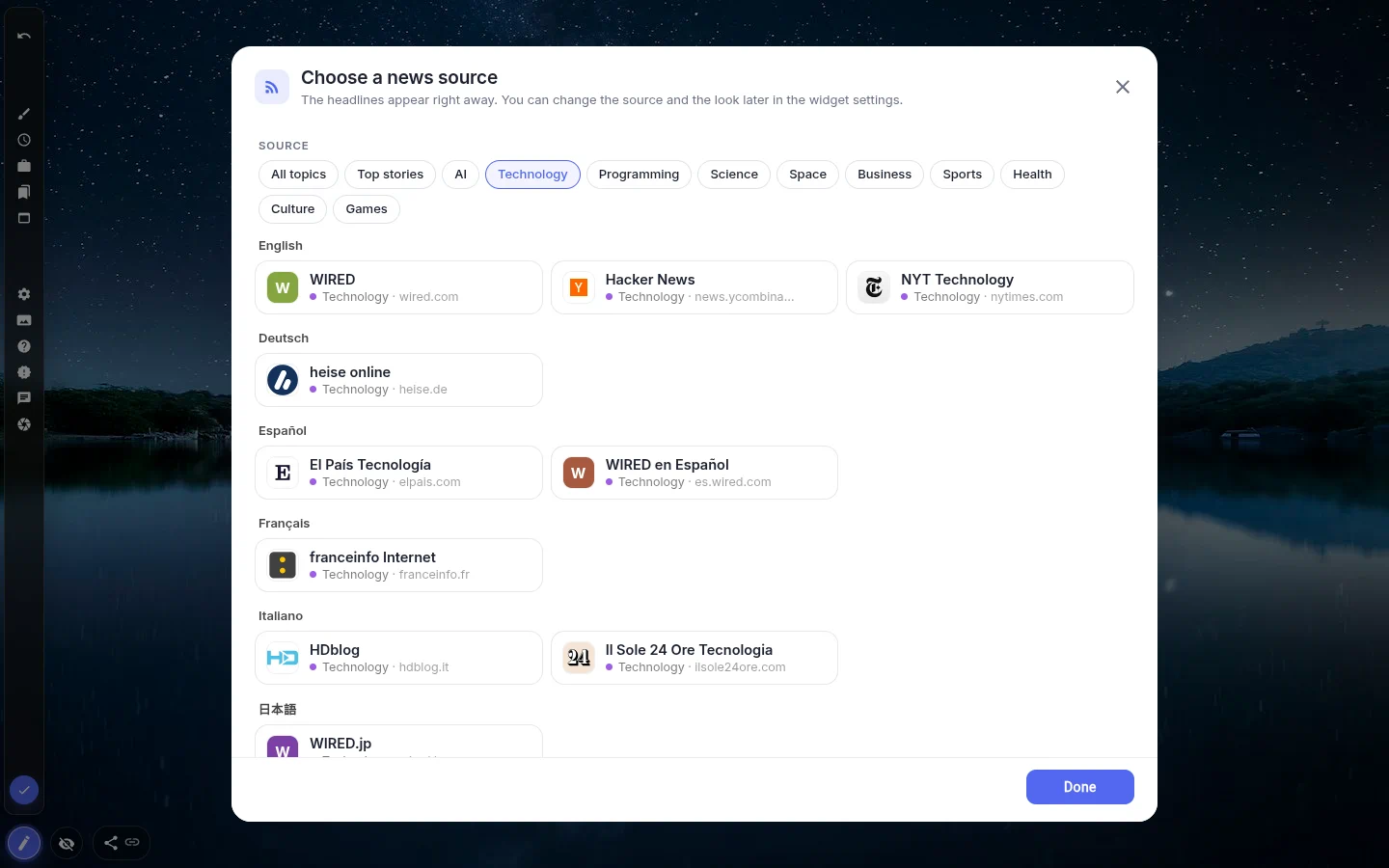
Add the widget and a Choose a news source window opens straight away. Click a source and the window closes by itself as soon as the headlines arrive. You can narrow the list by topic: Top stories, AI, Technology, Programming, Science, Space, Business, Sports, Health, Culture and Games.
In English that means DW News, The New York Times and ABC News for the day’s stories, WIRED and Hacker News for tech, DEV Community for programming, NASA and Spaceflight News for space. The AI topic mixes Hugging Face’s model and paper feeds with a Hacker News feed filtered down to AI stories that already have 80 points or more.
Pick a topic and you’ll see feeds in every language, starting with your interface language and then English. Handy if you’re learning German or Spanish and want tagesschau or El País in front of you every morning.
One widget, one feed
Each widget shows a single source. Want tech and sport? Add two widgets. It keeps things tidy — and it means no mixed river of everything.
You also can’t paste in your own RSS link. The list is fixed, and only feeds that let a browser read them directly made it in. That’s why a favourite site might be missing. The upside is that headlines travel straight from the publisher to your browser, with no server of ours in between.
Five layouts
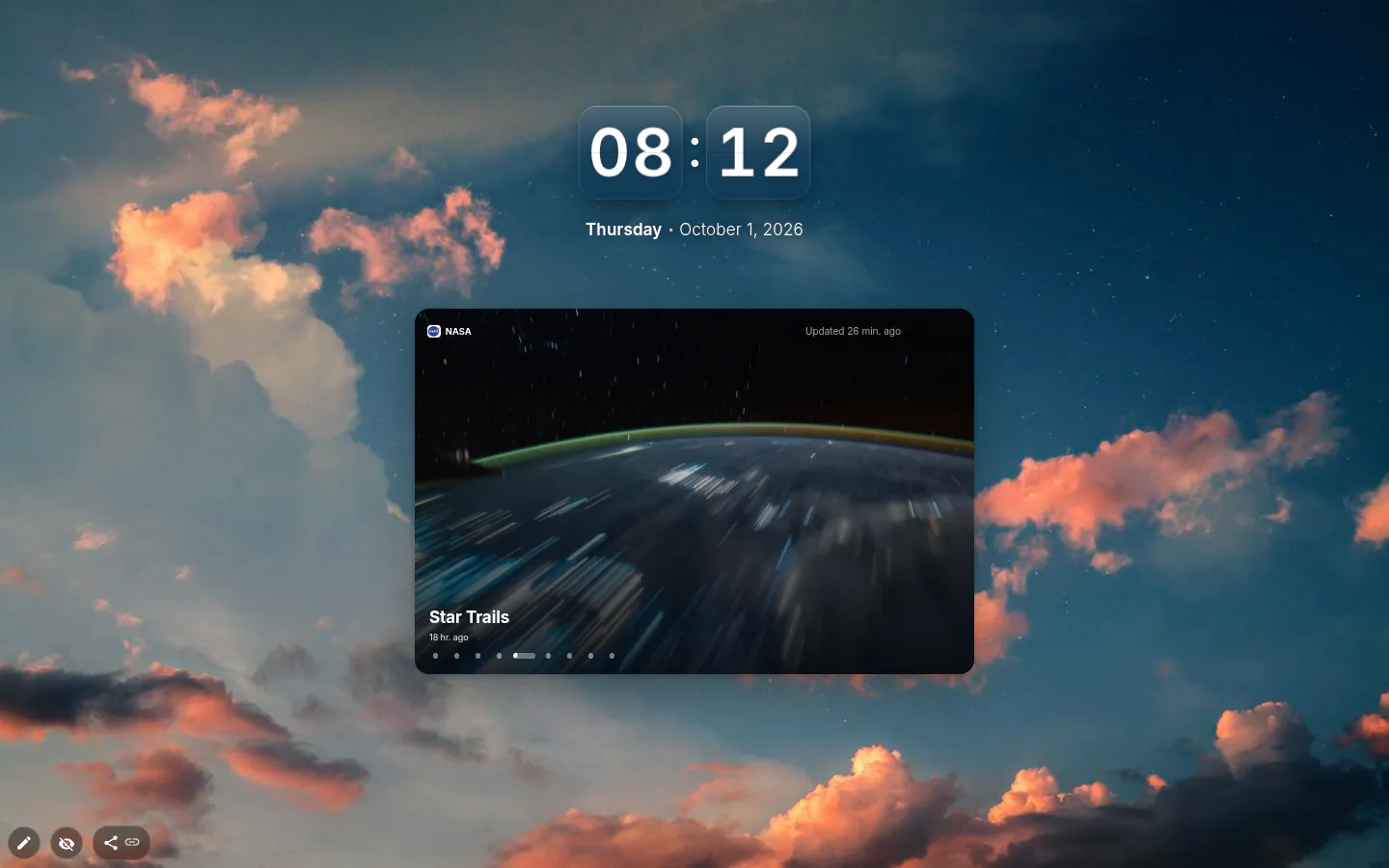
List is the default: headlines stacked with small pictures. Cards spreads them into two or three columns once the widget is wide enough. Headline shows one story at a time, turns to the next every eight seconds and stops while your mouse is over it. Glass is the fifth, and News ticker squeezes everything into one thin strip.
Pictures can be switched off in every layout except the ticker, which has none anyway.
Fresh enough, and fine offline
The last batch of headlines (up to 20) is saved with the widget, so a new tab shows them instantly, before anything has loaded. Updates happen at most every 20 minutes, a tab sitting in the background doesn’t fetch at all, and there’s a Refresh button when you can’t wait.
Lose the connection and the saved headlines stay, with a small note in the corner saying how old they are. Share your page as a theme and the saved headlines stay behind; whoever installs it loads their own.
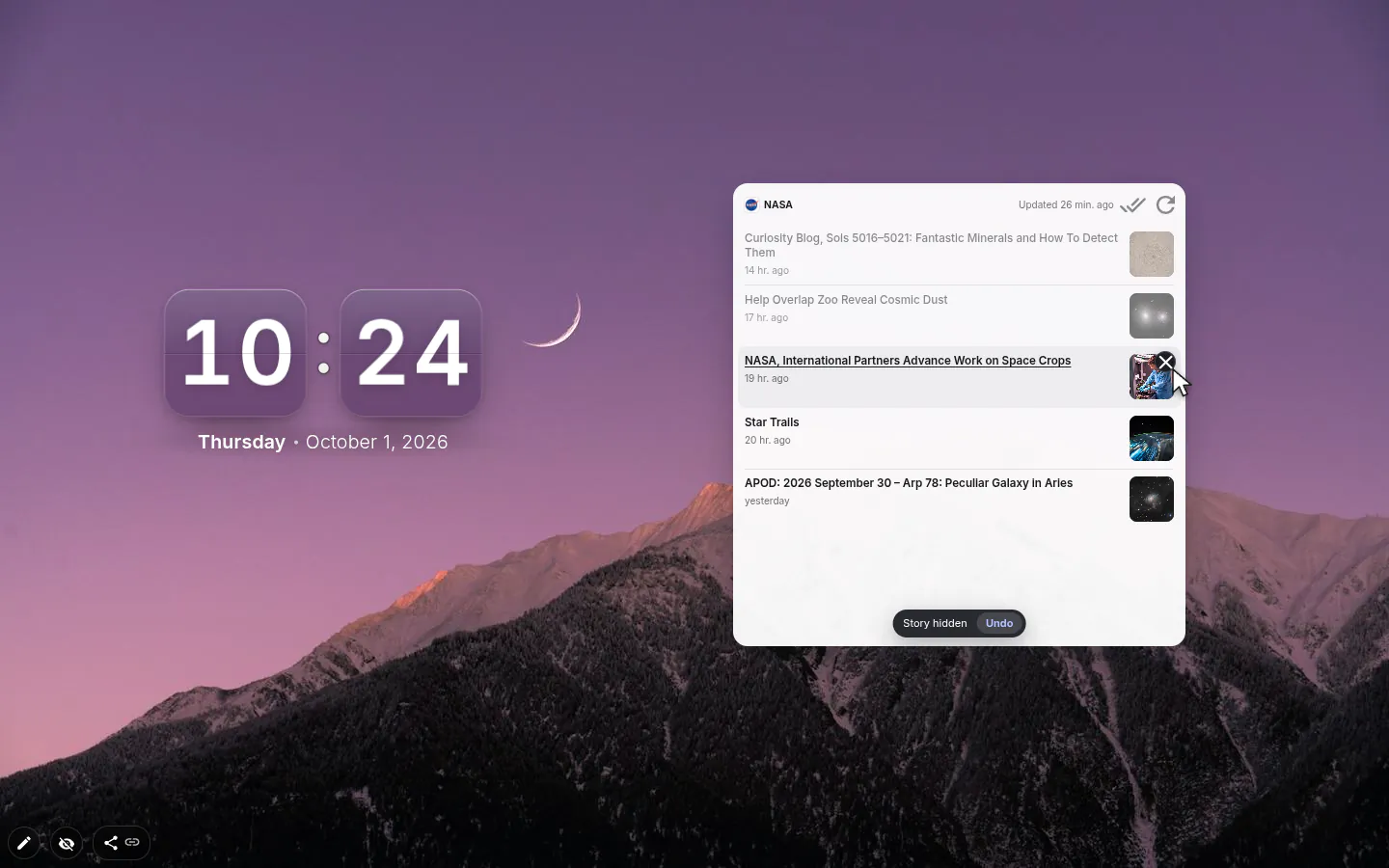
From version 4.0.1 every story has a × to hide it, with a few seconds to undo, and Mark all as read in the header dims what you’ve already seen. Prefer read stories gone rather than dimmed? Switch Read stories from Dim to Hide.
News settings
- Source
- 62 feeds with topic chips on top. Changing it later is a double-click on the widget away.
- Design
- List, Cards, Headline, Glass or News ticker.
- Number of headlines
- 3, 5, 8, 10, 15 or 20. Ten by default, which fills a medium widget without scrolling.
- Show images
- On by default. Turning it off gives you a denser list and a calmer page.
- Open links in a new tab
- On by default, so the page with your widgets stays where it was.
What people use it for
- Hacker News or DEV Community on a developer’s dashboard.
- A Headline card beside the clock for a ten-second morning skim.
- Language practice with DW, franceinfo or El País in the language you’re learning.
- NASA and Spaceflight News for anyone who follows launches.
- Business headlines on a work workspace, nothing at all on the personal one.
Put the news on your new tab
It comes with New Tab Studio. The extension is free to install and needs no account to start.
- 1Add New Tab Studio to Chrome
- 2Open a new tab, click the button at the bottom left
- 3Pick the widget, then drag it into place
Questions about the news widget
Can I see news headlines on my Chrome new tab?
Chrome on a computer has no news feed on its standard new tab, though the Android and iPhone apps show the Discover feed under the search box. On desktop it takes an extension such as New Tab Studio, whose News widget shows headlines from one of 62 feeds in 10 languages as a list, cards, a single rotating headline or a ticker.
How do I turn off the news feed on Chrome’s new tab?
On Chrome for Android or iPhone, the stories under the search box are the Discover feed, and the menu next to the Discover heading can turn it off. Desktop Chrome has no feed of its own, so headlines there come from an extension. To remove the News widget, select it in edit mode and press Delete; from version 4.0.1 single stories can be hidden too.
Can I add my own RSS feed?
No, the News widget only works with its built-in list of 62 feeds, and an unknown address is not accepted. Only feeds a browser can read directly made the list, so a favourite site may be missing. Each widget shows one source, so for tech and sport side by side, add two widgets.
Will the news widget slow down my new tab?
The news widget shouldn’t slow your new tab, because it shows the last saved headlines, up to 20, before the network has answered. Updates come at most every 20 minutes and a tab in the background doesn’t fetch at all. Offline, the saved headlines stay put, labelled with when they were last updated.
Is the News widget free?
Yes, the News widget is free with all 62 sources and five layouts, and headlines come straight from each publisher instead of through a server of ours. The one catch is the general cap — three hand-placed widgets on the free plan.
Widgets that pair well with it
See the full widget catalogue or browse themes other people have built.